Flippy
Flippy
Built in public

Changelog

Stay up to date with the latest features, improvements, and bug fixes in Flippy.

Version 5.0.3

May 3, 2026

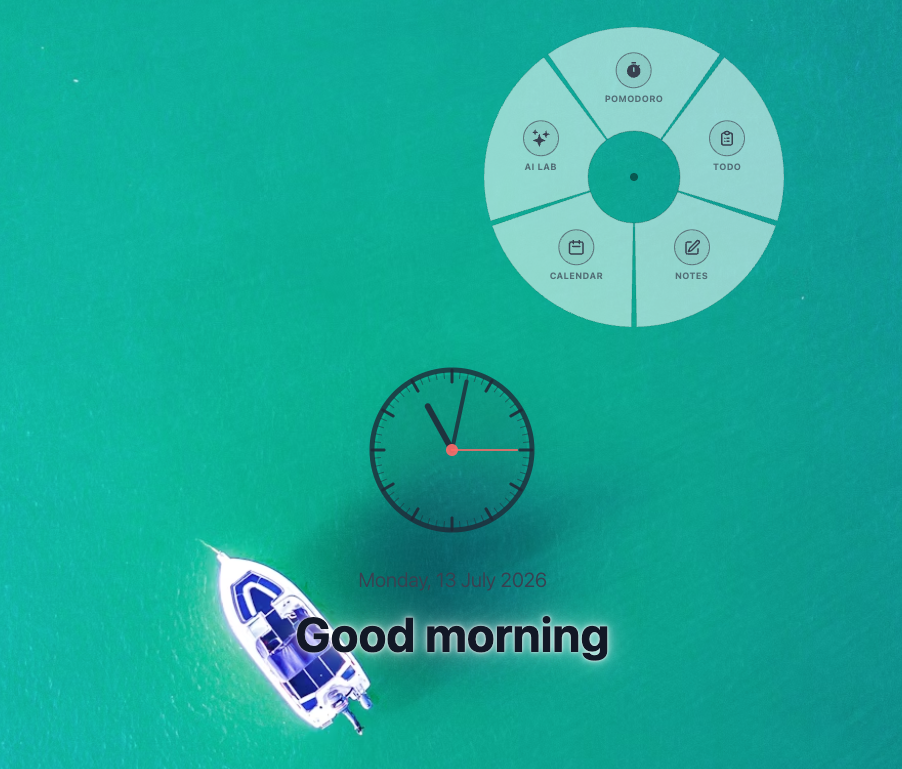
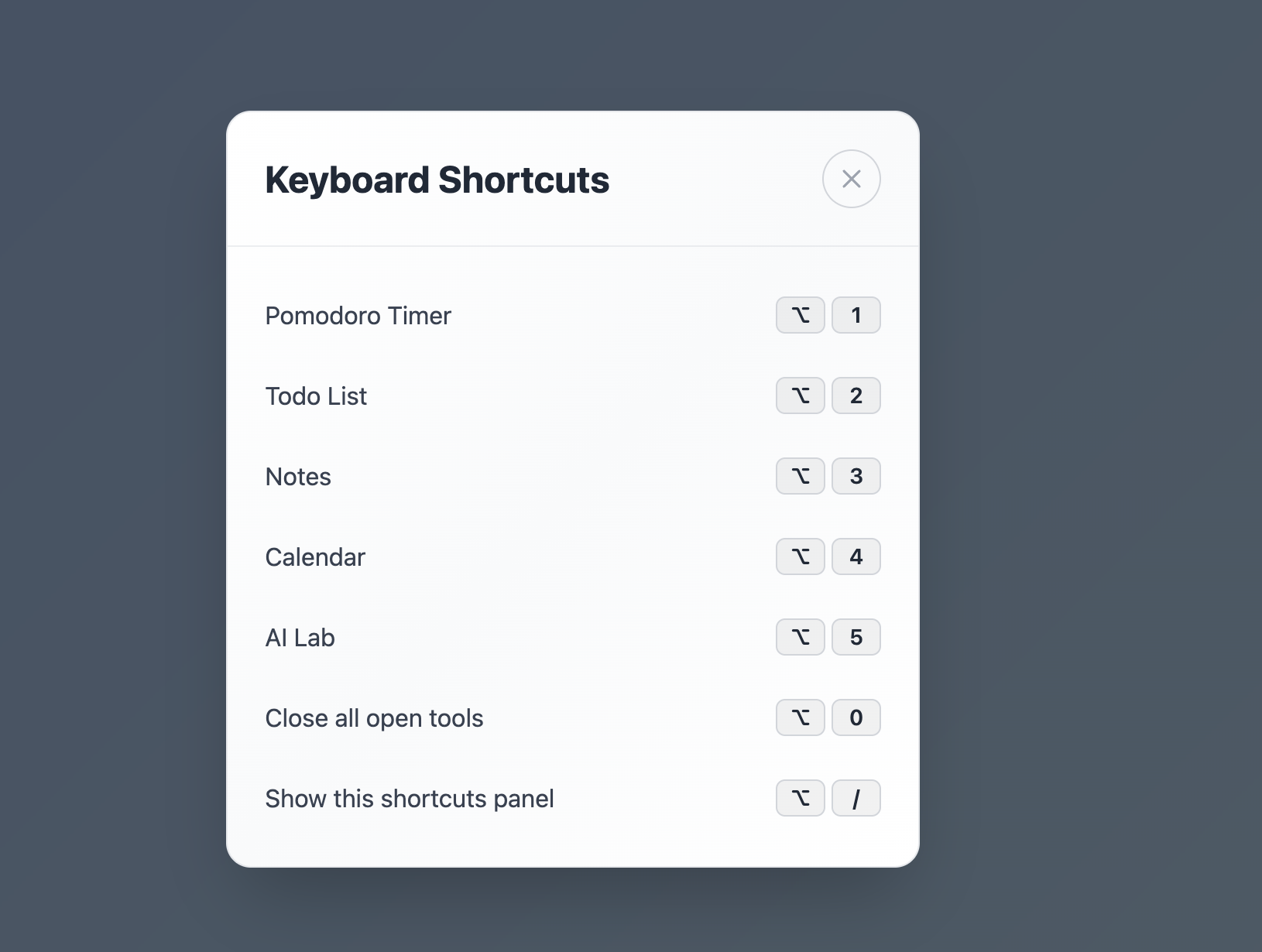
Keyboard shortcuts are here! Press Alt/Option + 1–5 to jump to any tool (Pomodoro, Todo, Notes, Calendar, AI Lab), Alt/Option + 0 to close them all, and Alt/Option + / to see the full list any time.

Keyboard shortcuts are here! Press Alt/Option + 1–5 to jump …

Version 5.0.1

April 19, 2026

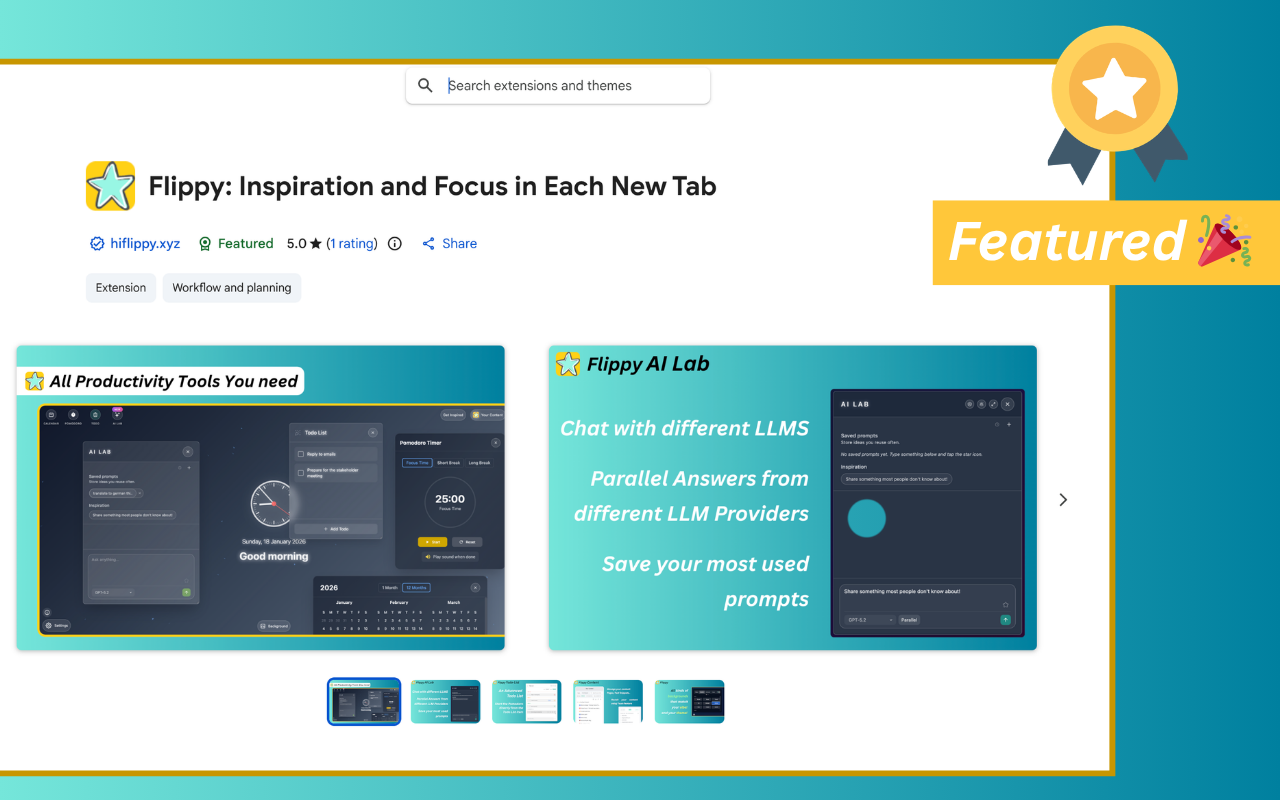
Flippy is now featured in the Chrome Web Store!

Flippy is now featured in the Chrome Web Store!…

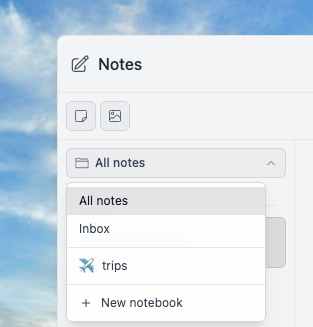
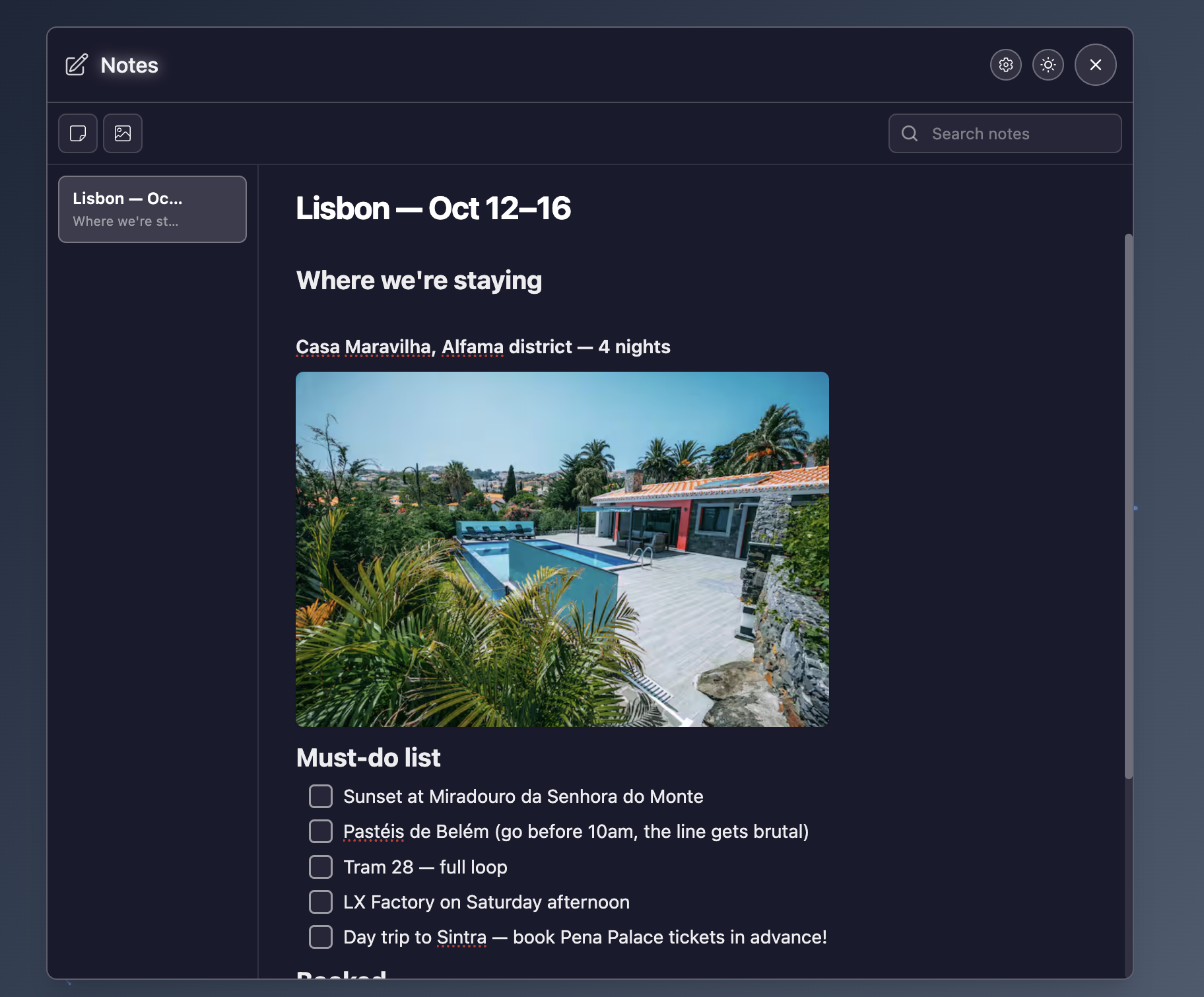
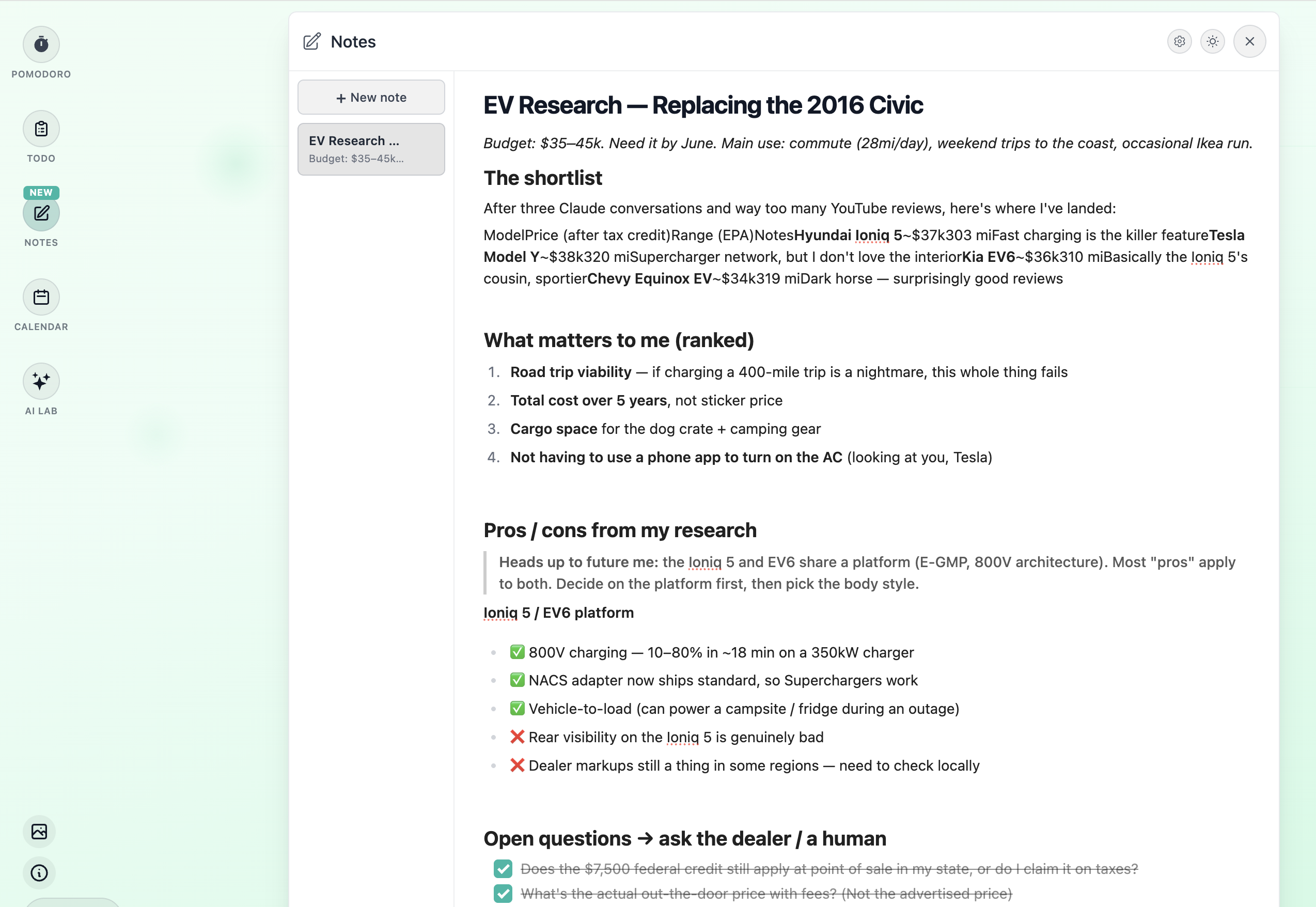
Notes — a rich-text editor in your new tab with headings, lists, task lists (with nested sub-tasks), inline code, and more. Syncs across devices when signed in, with multiple background modes to match your theme.

Notes — a rich-text editor in your new tab with headings, li…

Version 4.23.1

February 8, 2026

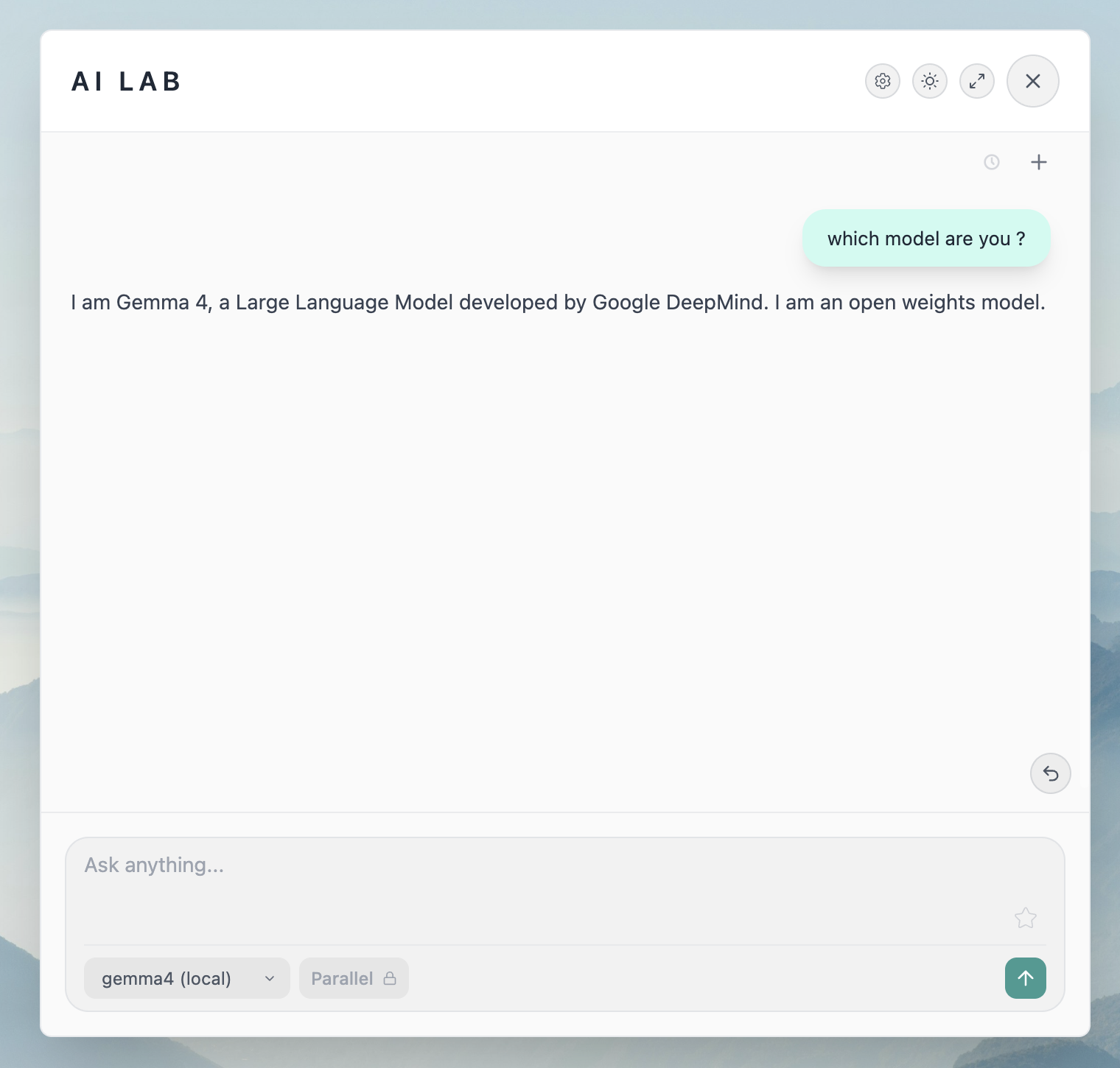
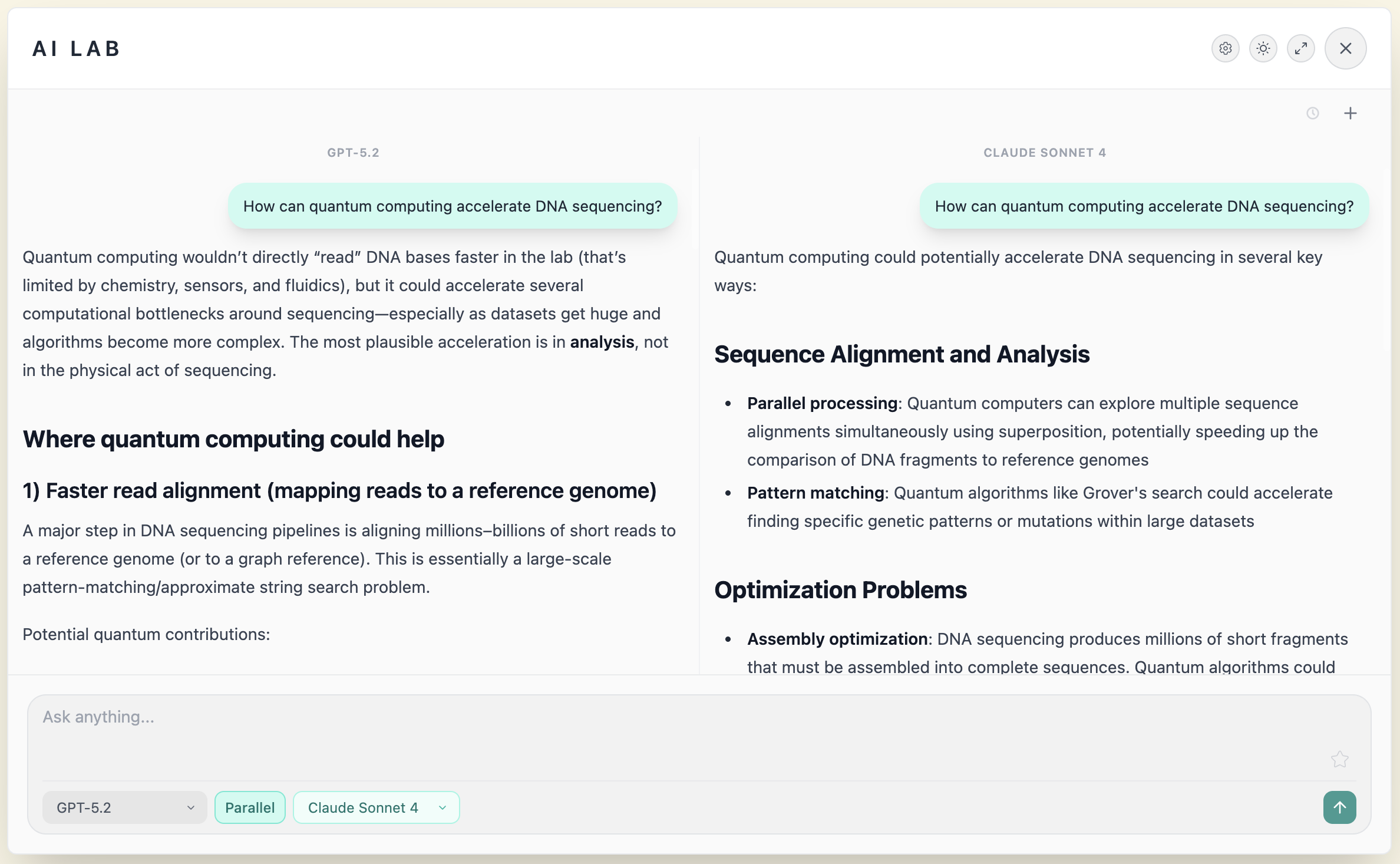
Parallel Replies in AI Lab — get answers from multiple AI providers at the same time for a broader perspective

Parallel Replies in AI Lab — get answers from multiple AI pr…

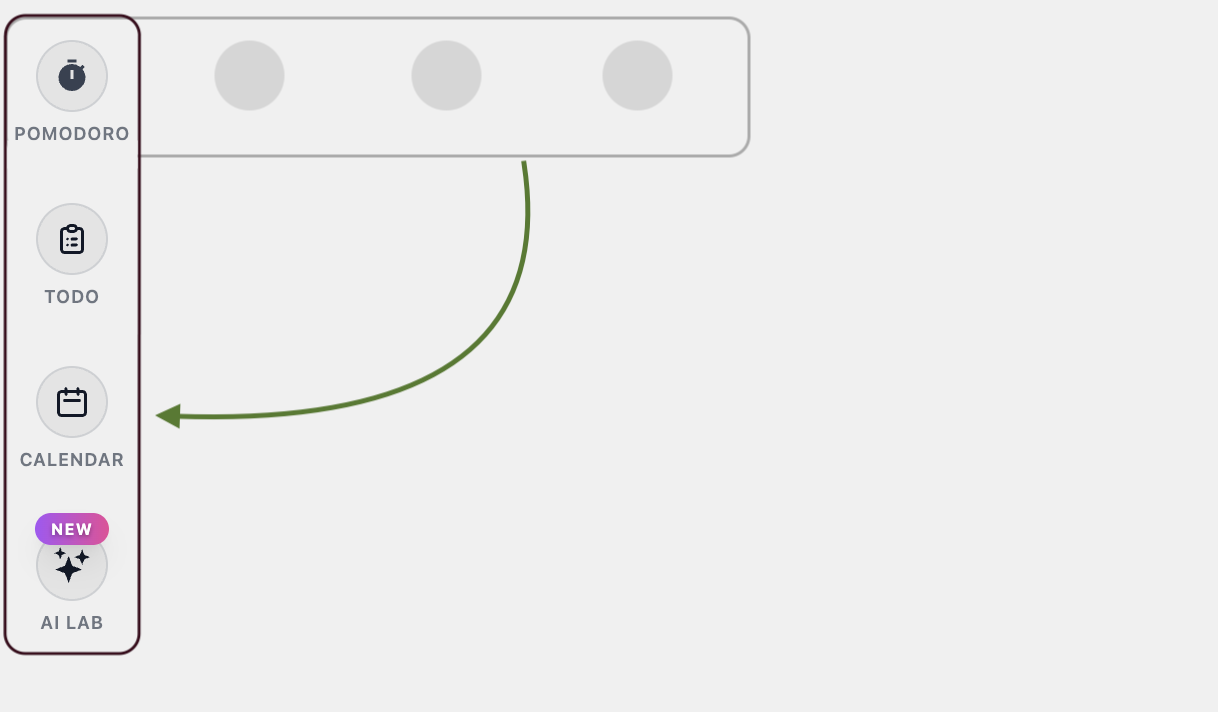
Refreshed layout — tools now sit on the left side, giving you more room to focus on what matters

Refreshed layout — tools now sit on the left side, giving yo…

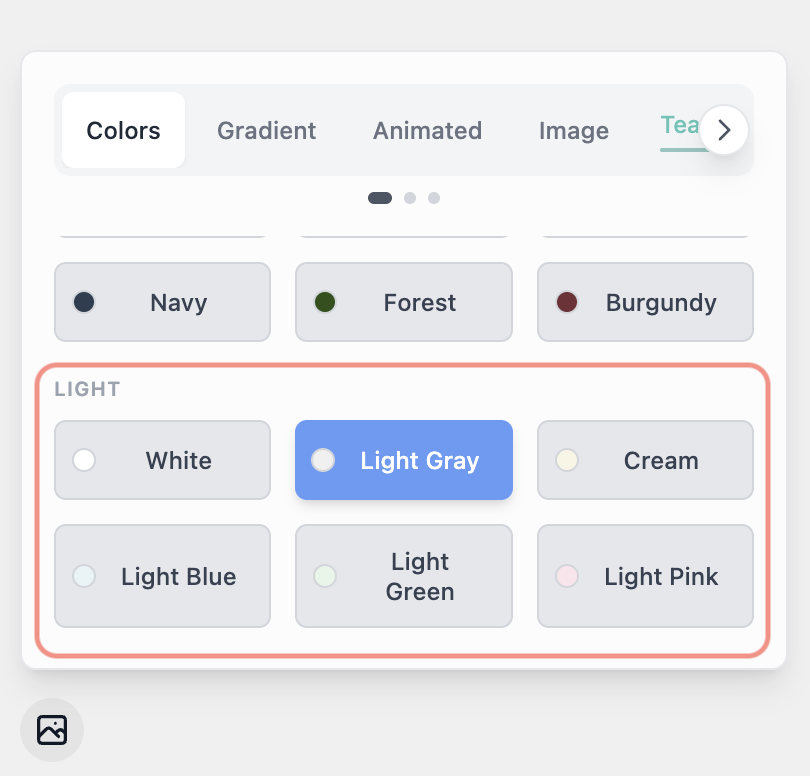
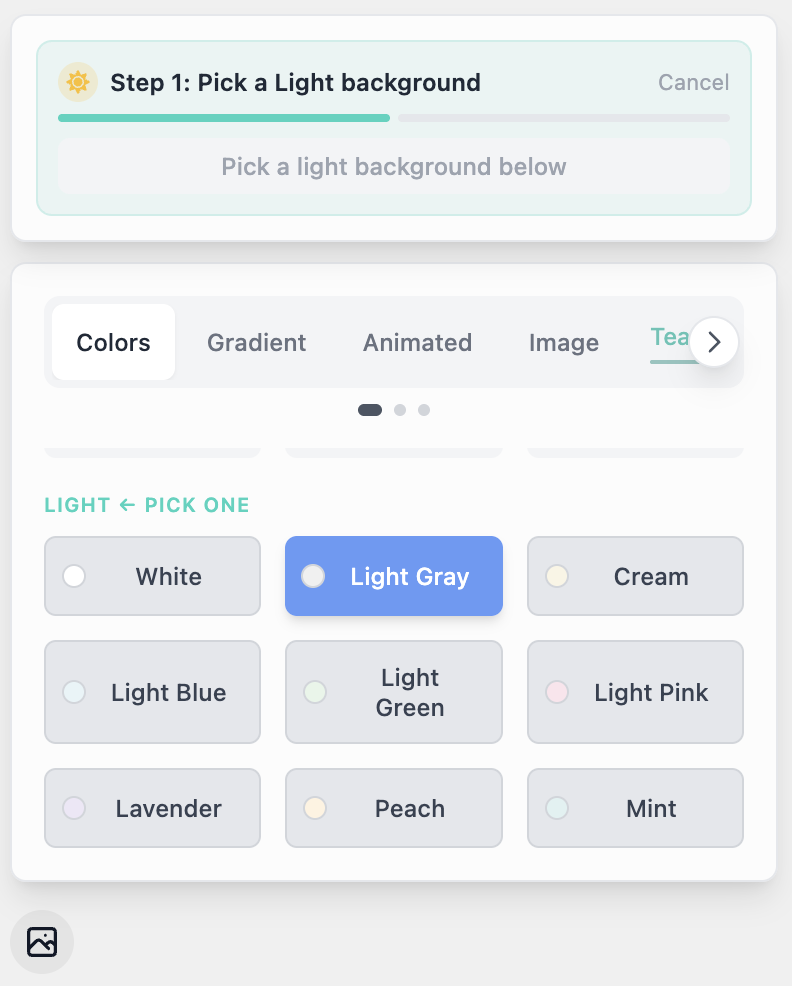
We now support light backgrounds and provided beautiful ones in the colours, gradient and animated categories! enjoy!!

We now support light backgrounds and provided beautiful ones…

On top of the previous update, we now also support system theme for the backgrounds! You can choose a background for each theme mode! To start using it, go to the settings page and select the system theme

On top of the previous update, we now also support system th…

Version 4.22.3

February 8, 2026

Start a Pomodoro from a Todo List Task ! We will also display the total Pomodoro sessions spent on each task

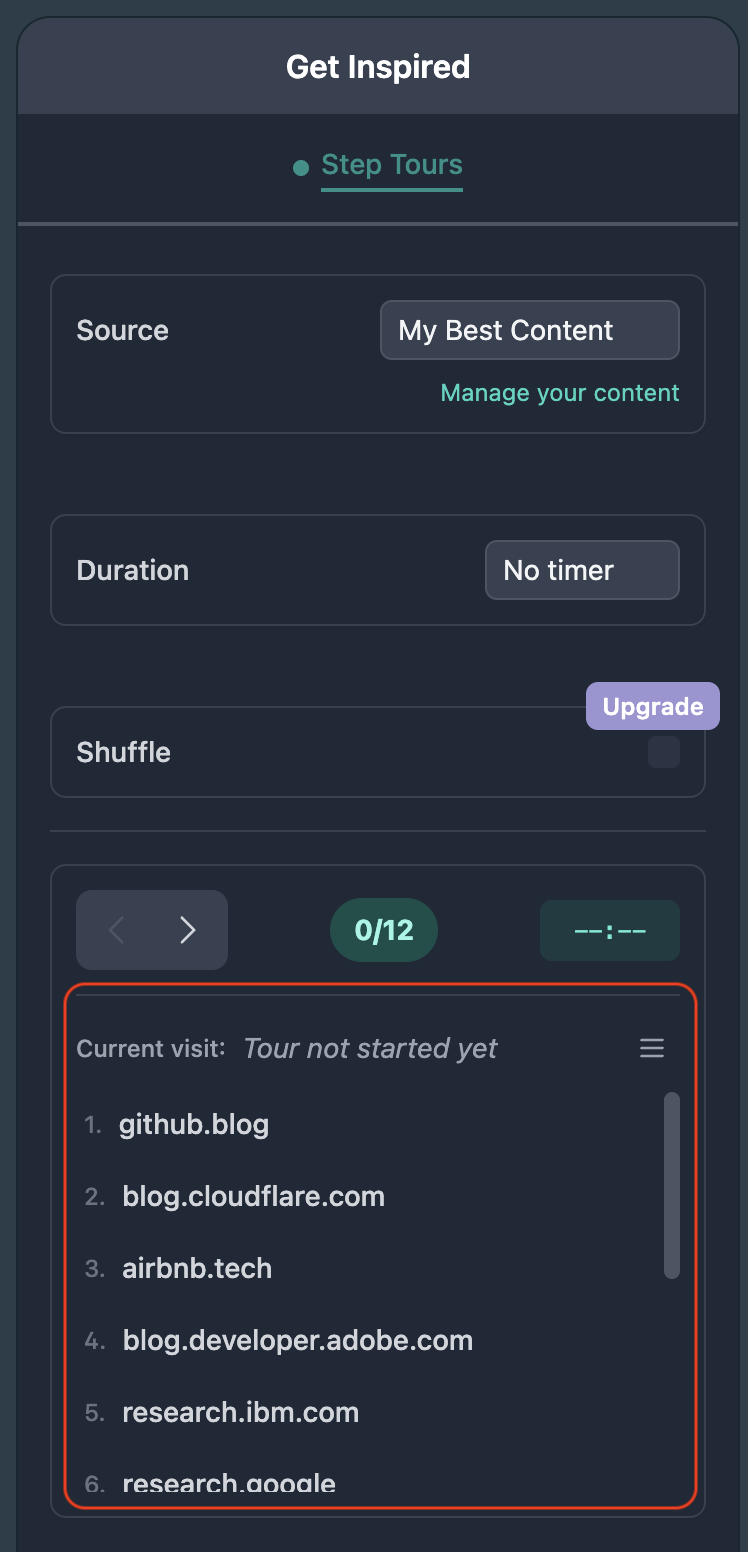
We enhanced the Step Tours exprience we added a preview of the tour

We enhanced the Step Tours exprience we added a preview of t…

Polished AI Lab chat visuals, improved tool window layering, and various UX refinements

We removed the Auto tours and decided to better review it's functionality, the feature could still be enabled from the settings page

Version 4.21.1

February 1, 2026

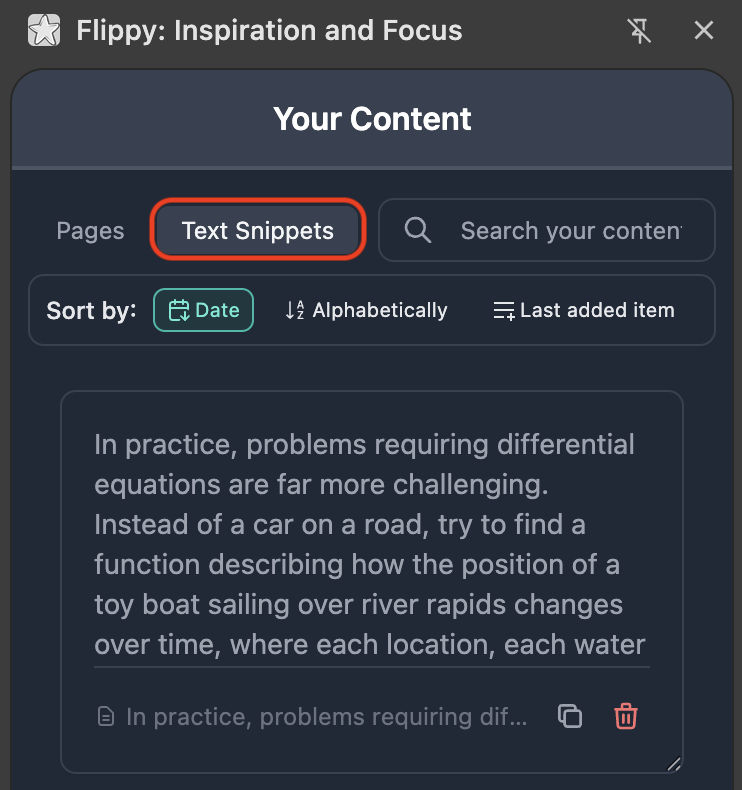
Introducing Text Snippets - Save and organize text selections from any webpage with smart context. Perfect for readers, researchers, and note-taking enthusiasts

Introducing Text Snippets - Save and organize text selection…

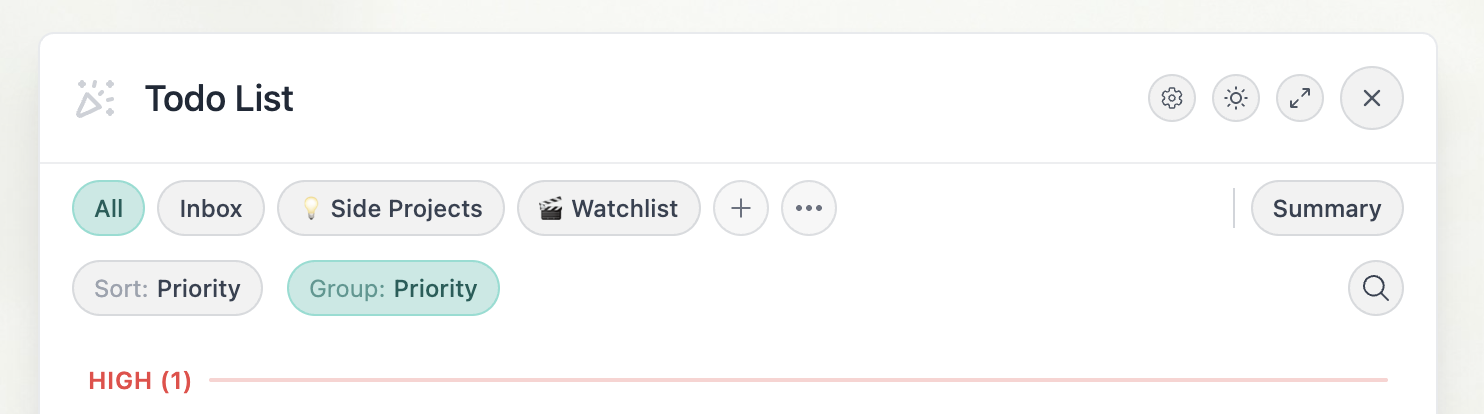
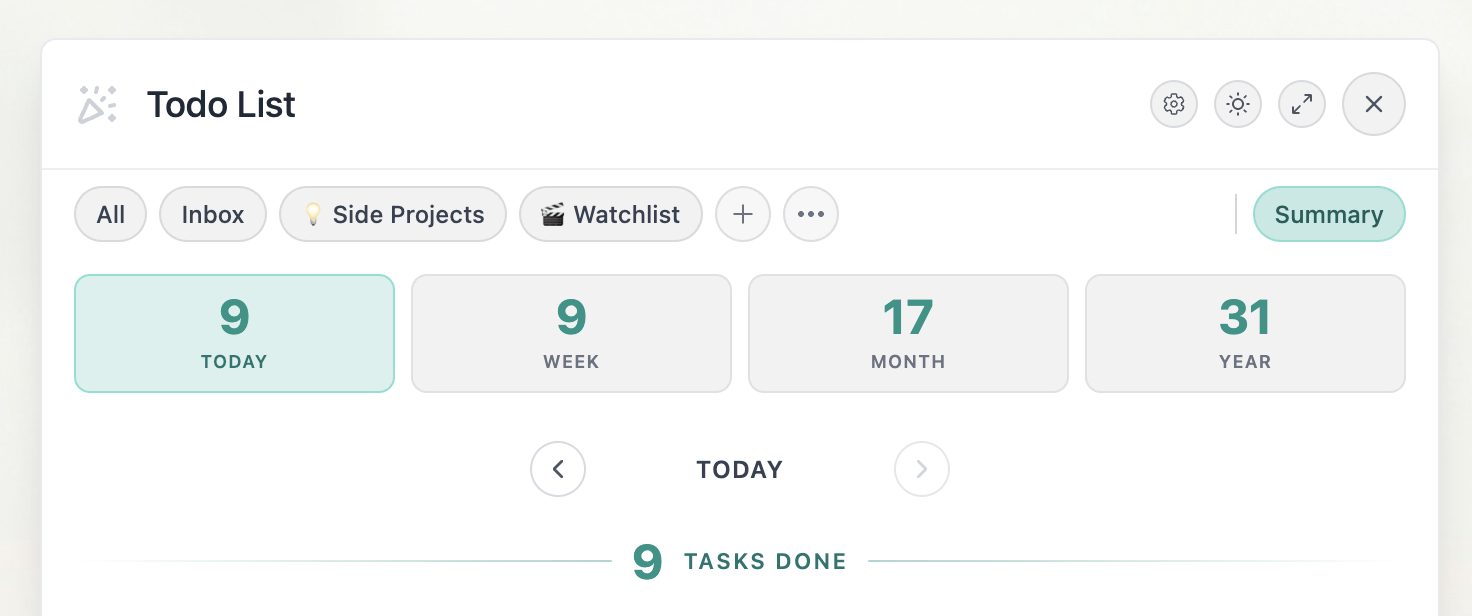
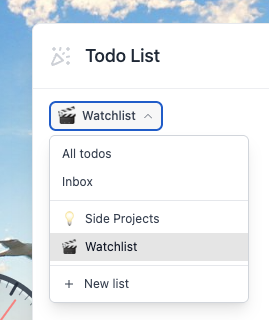
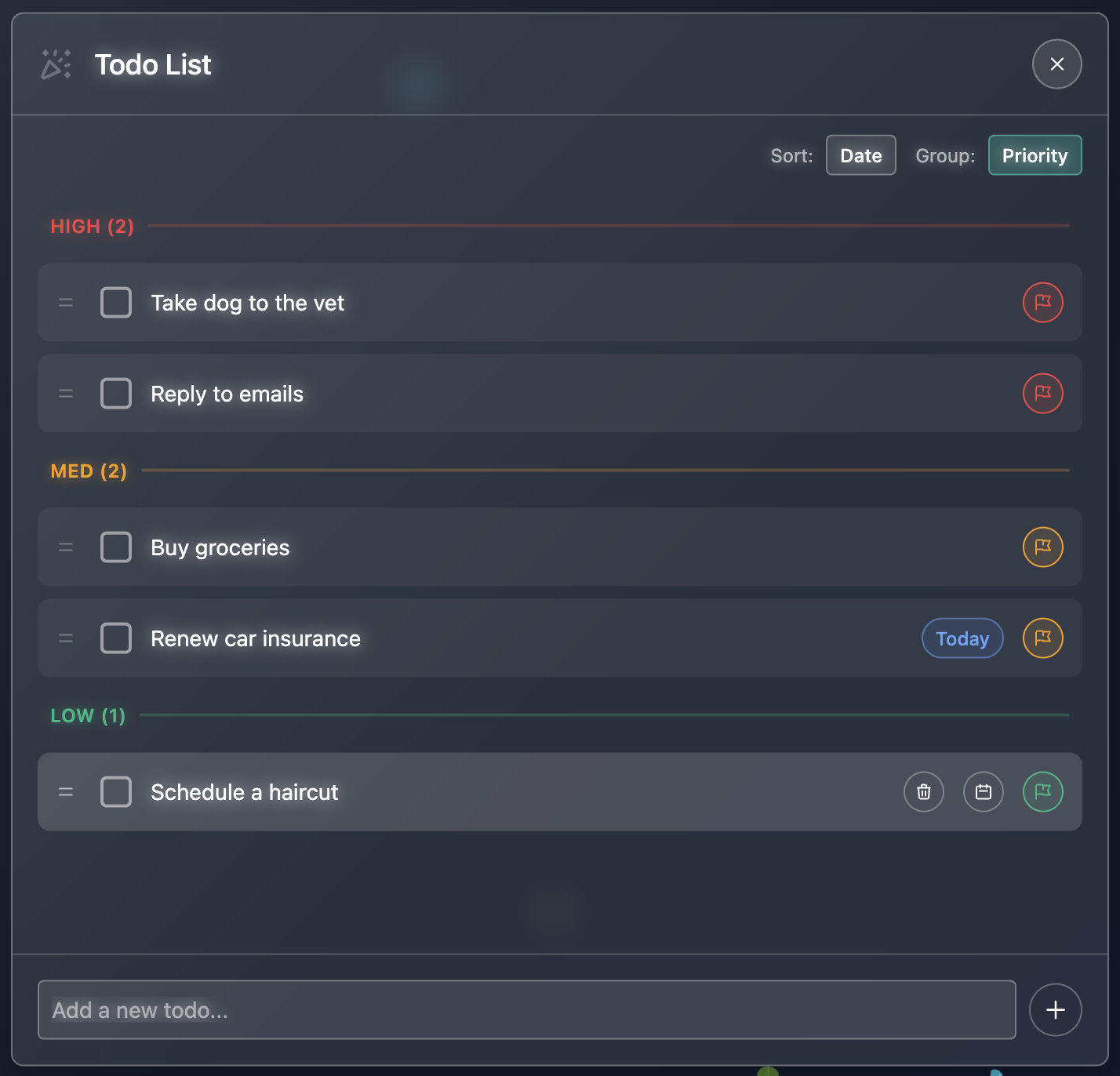
The Todo List is now powered by new features: set priorities, due dates, and customize your view with sort and group settings!

The Todo List is now powered by new features: set priorities…

We fixed visual bugs in the AI Lab, now it displays the messages in a better way

Version 4.20.1

January 11, 2026

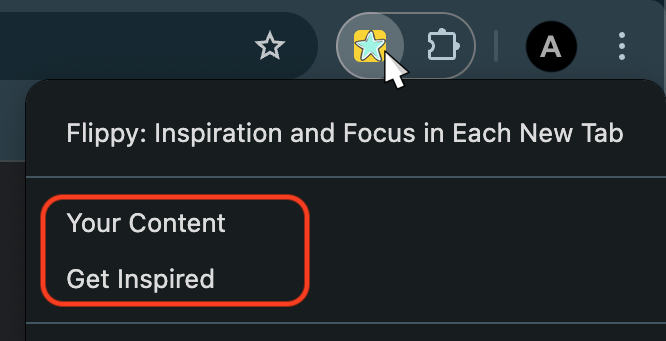
Access Content and Tours not only from the new tab page but also from the right-click menu on the extension icon

Access Content and Tours not only from the new tab page but …

AI Lab and Todo List are now resizable for a customized workspace

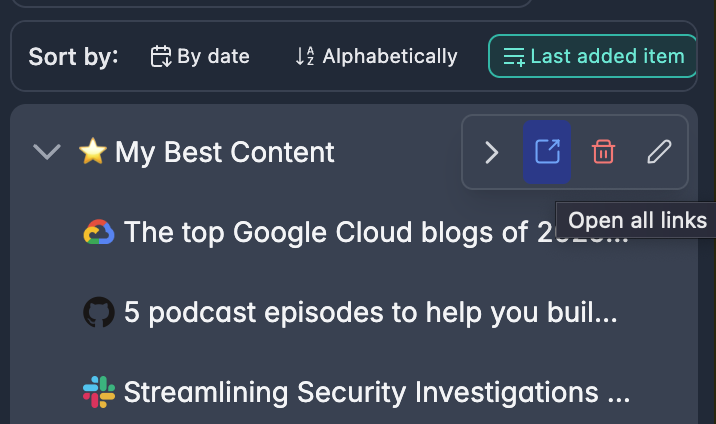
Added 'Open All' button to open all links from a folder in new tabs at once

Added 'Open All' button to open all links from a folder in n…

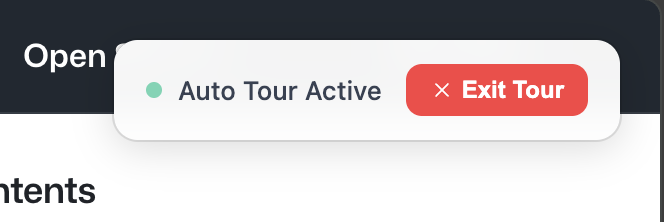
Exit Tour button added to Auto Tours for easy tour termination

Exit Tour button added to Auto Tours for easy tour terminati…

Version 4.19.1

January 6, 2026

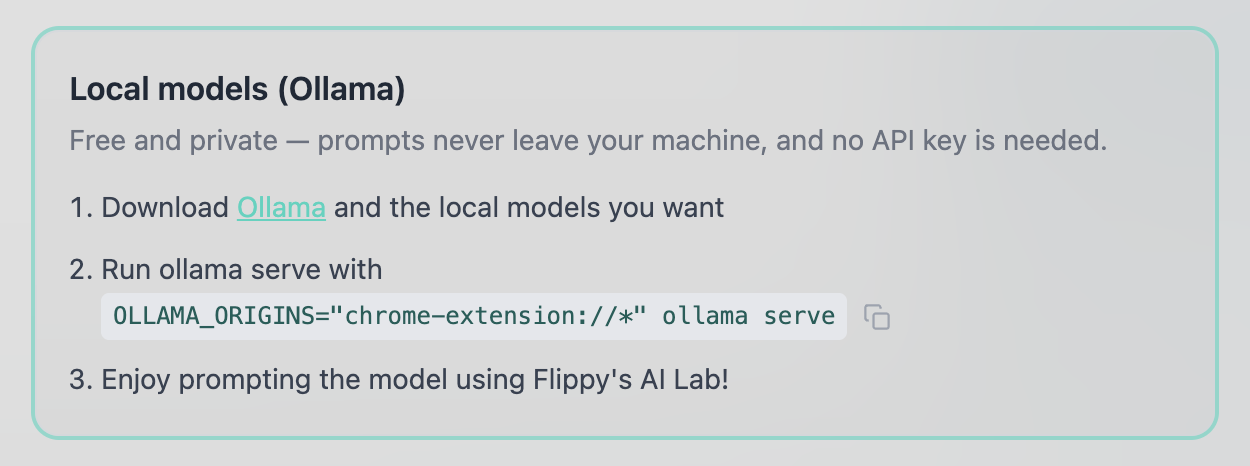
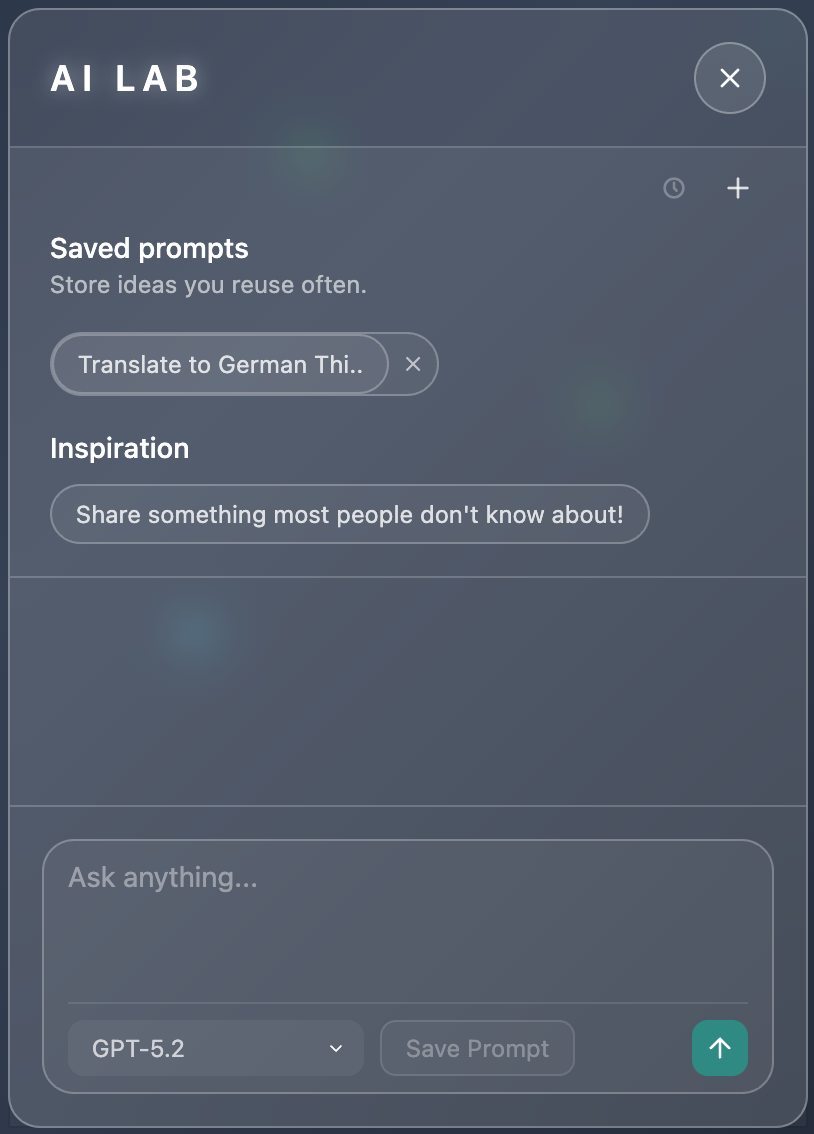
Introducing AI Lab! Bring your API key and start chatting with the latest AI models including GPT, Claude and more

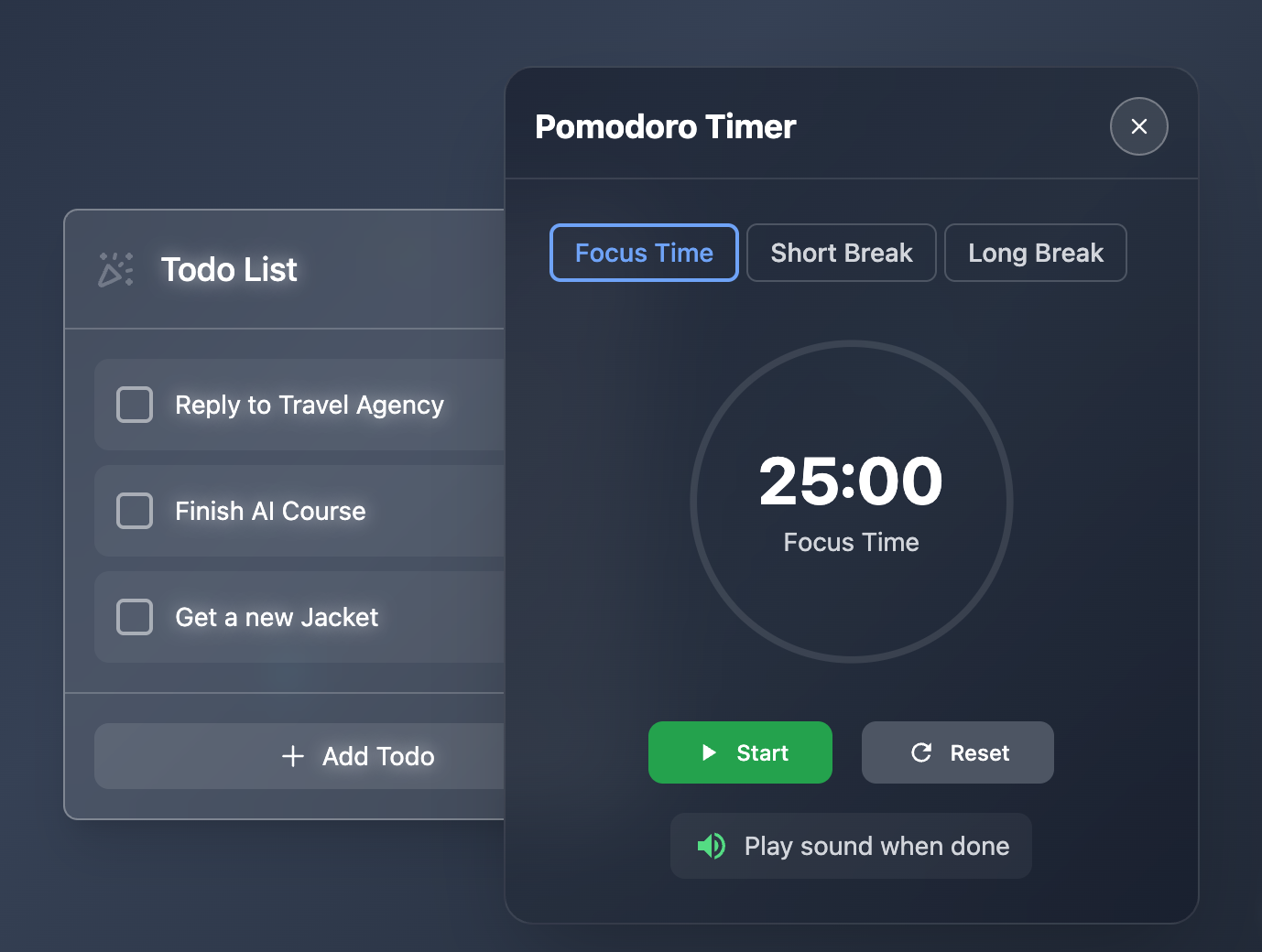
All tools are now draggable! Move Todo List, Calendar, Pomodoro, and AI Lab anywhere on your screen for a personalized workspace

v4.19.1 screenshot 1
v4.19.1 screenshot 2

Version 4.18.0

December 18, 2025

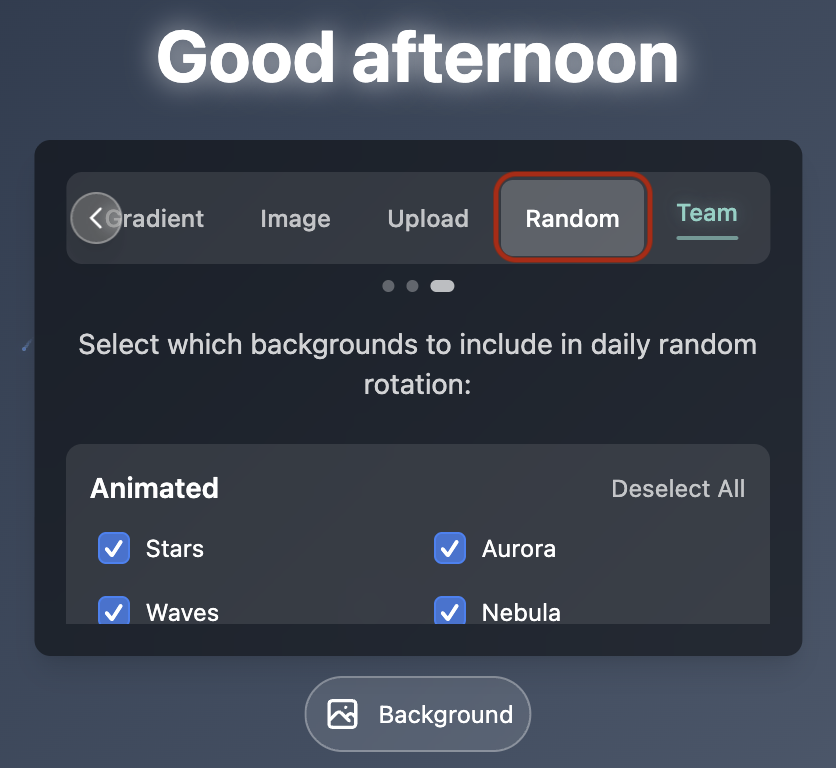
Added Random Background feature! Now you can get a daily random background every time you open a new tab!

v4.18.0 screenshot 1

Version 4.17.0

November 22, 2025

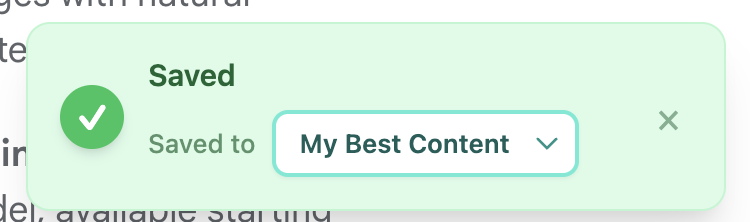
Enhanced the 'Save to Flippy' notification with a dropdown to select and change folders instantly

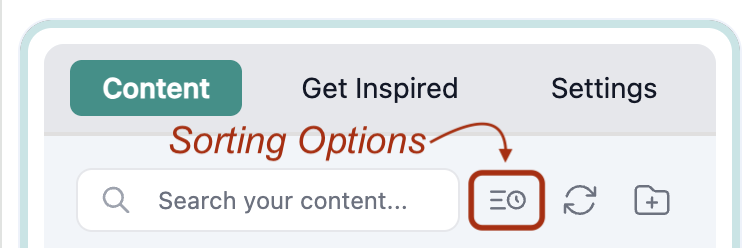
Added content sorting options: sort by date (newest first) or alphabetically by name

v4.17.0 screenshot 1
v4.17.0 screenshot 2

Version 4.16.0

November 10, 2025

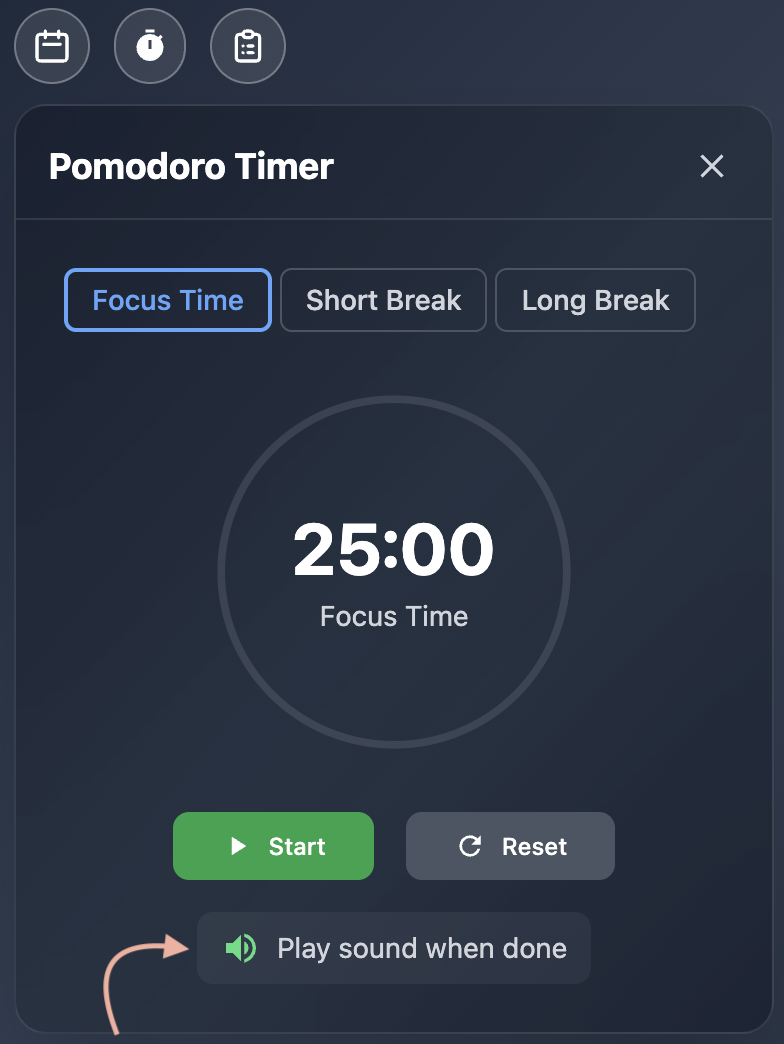
The Flippy Pomodoro now plays a sound when timer finishes (Thanks Karim for the feedback!)

v4.16.0 screenshot 1

Version 4.15.1

November 2, 2025

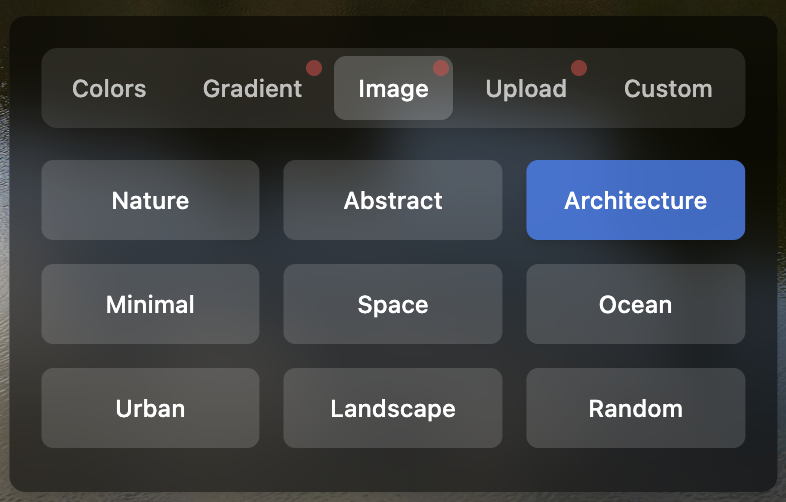
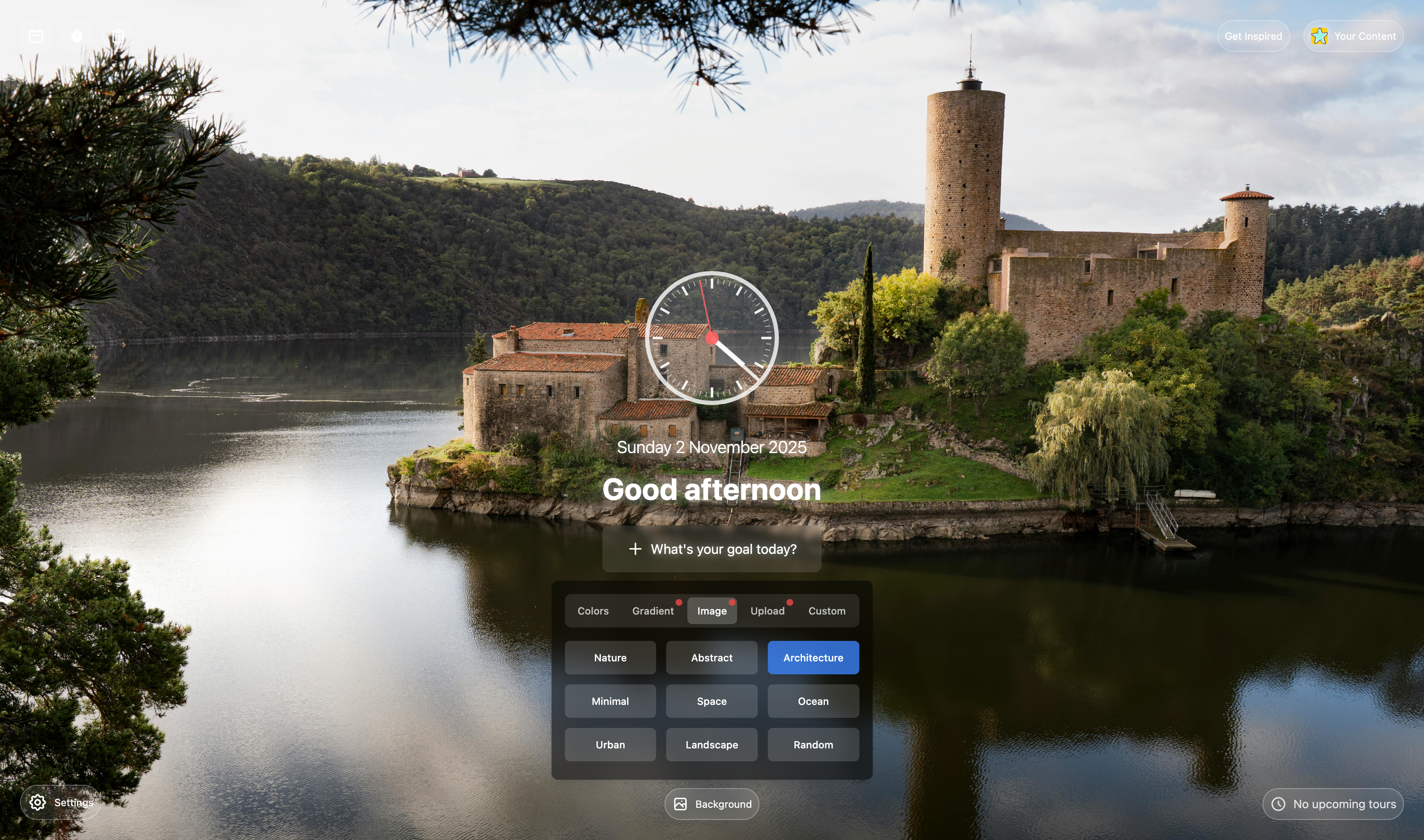
New background options: Choose from beautiful gradients, curated images, or upload your own custom backgrounds!

v4.15.1 screenshot 1
v4.15.1 screenshot 2

Version 4.14.0

October 26, 2025

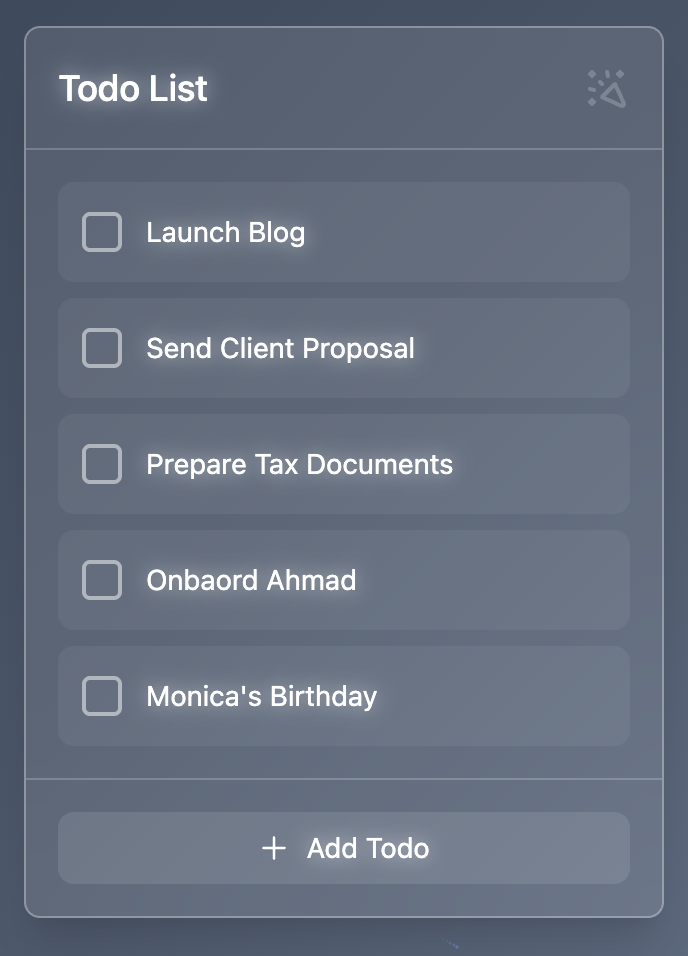
Added a new Todo List feature! Now you can add and manage your tasks! (And enjoy the celebrations! !)

v4.14.0 screenshot 1

Version 4.12.3

October 11, 2025

The pomodoro timer now appears in your browser tab icon.

v4.12.3 screenshot 1

Version 4.12.0

September 15, 2025

We added a Pomodoro Timer! Enjoy your productivity boost!

Version 4.11.0

September 15, 2025

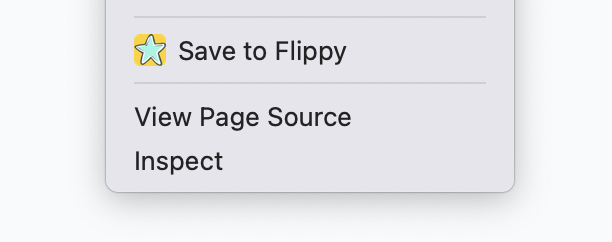
Save what matters in seconds. We've added right-click saving so you can bookmark content as effortlessly as you do in your browser—no extra steps, just right-click and save!

v4.11.0 screenshot 1

Version 4.10.0

September 13, 2025

We arranged backgrounds and added more beautiful ones!

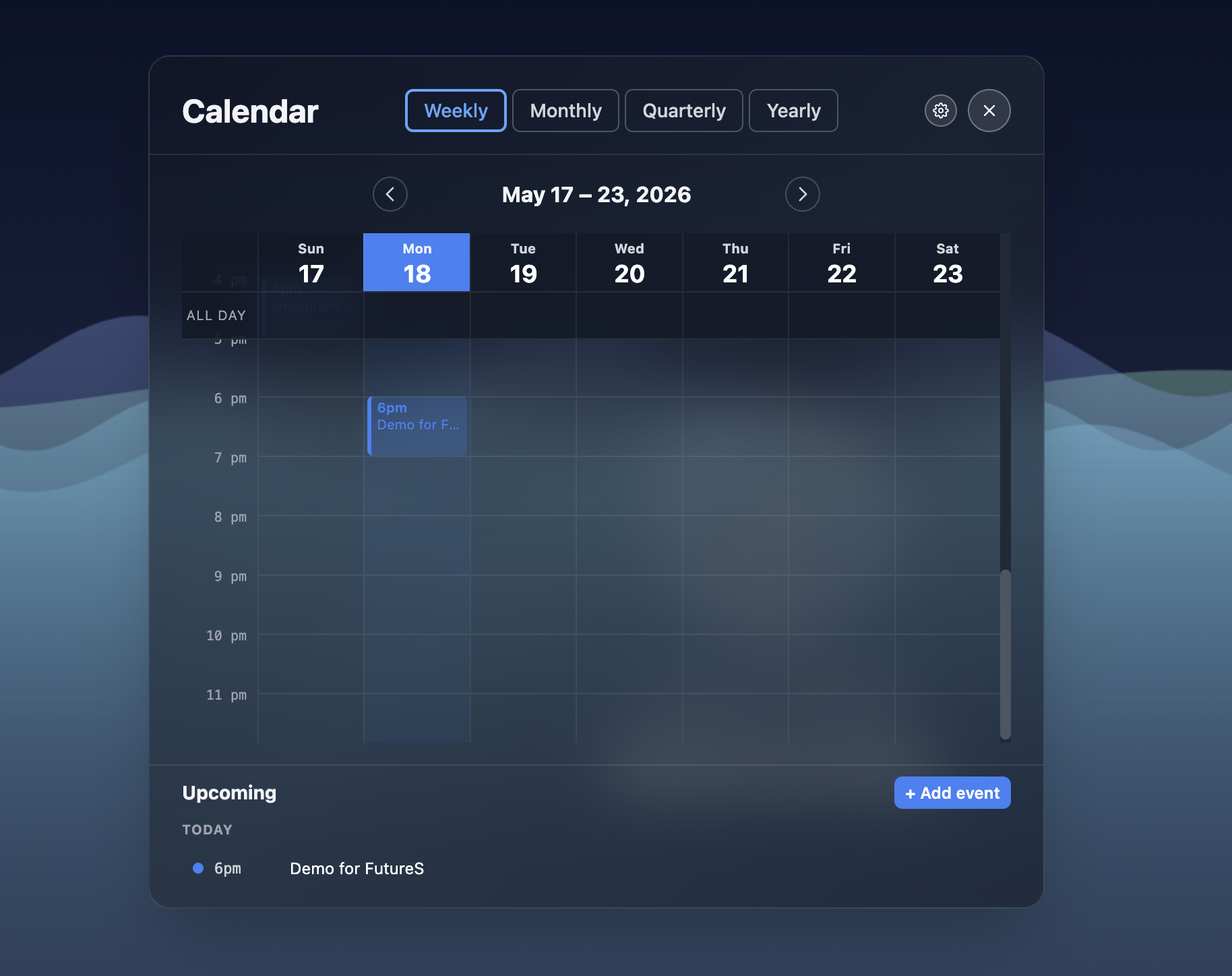
Enjoy a calendar with both 1 and 12 months views!

Version 4.9.0

August 24, 2025

Added beautiful analog clock option to Focus Mode! Switch between digital and analog clock in settings.

Version 4.8.5

August 23, 2025

New Backgrounds for Focus Mode!

Small fixes and improvements

Version 4.8.4

July 19, 2025

Goals are now enabled by default!

Version 4.8.0

June 15, 2025

We empowered the Focus mode with a Goals feature (Enable it from the Focus Settings)! Now you can set a goal and get inspired to reach it!

Version 4.7.4

May 30, 2025

Enhanced Focus Mode with beautiful animated backgrounds! Choose from Stars, Aurora, Zen Waves, Nebula, Geometric Flow, and more

Added an intuitive background picker to personalize your new tab experience

Version 4.6.0

May 25, 2025

Added Schedules for Step Tours! Now you can have multiple flavored tours with customized time ranges! Example: From 09:00 to 11:00 get inspirations from AI news contents, from 11:00 to 13:00 get inspirations from Science contents..

Version 4.5.1

May 24, 2025

Enjoy a focused mode with the new Tabs Tour Timed Mode feature , now you can set a time range to get a saved content in each new tab!

We also added a new tab page that will be displayed when focus mode is enabled!

Version 4.4.0

March 10, 2025

Added an onboarding for new users to be displayed in an initial new tab page

Merge all Tours under one tab

Many small fixes and improvements

Version 4.3.4

February 20, 2025

Added a new dark mode theme

Added a new notification system

Added new theme switcher with system theme detection

Version 0.9.0

September 1, 2024

Initial release with basic functionality

Bookmark management features

Simple light theme

Have suggestions or feedback? Let us know!